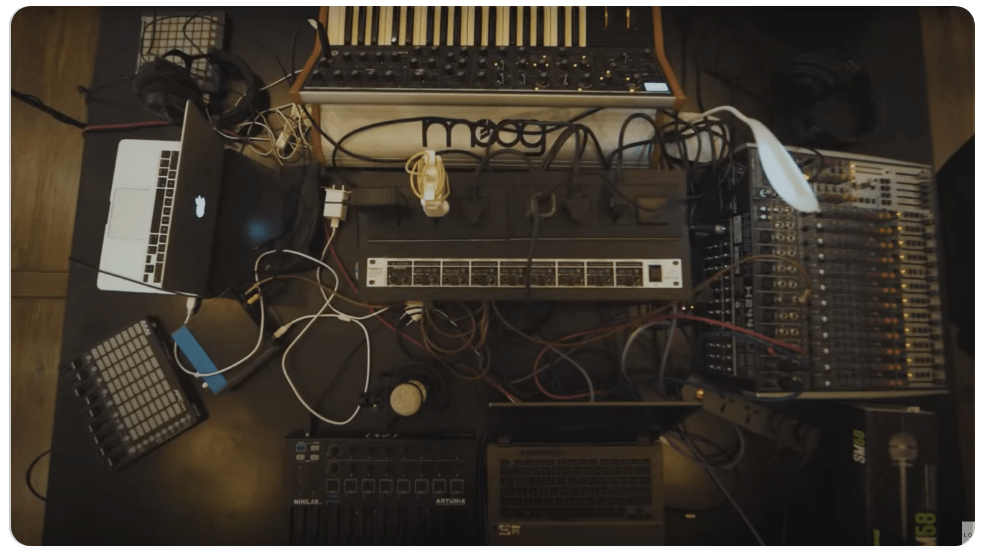
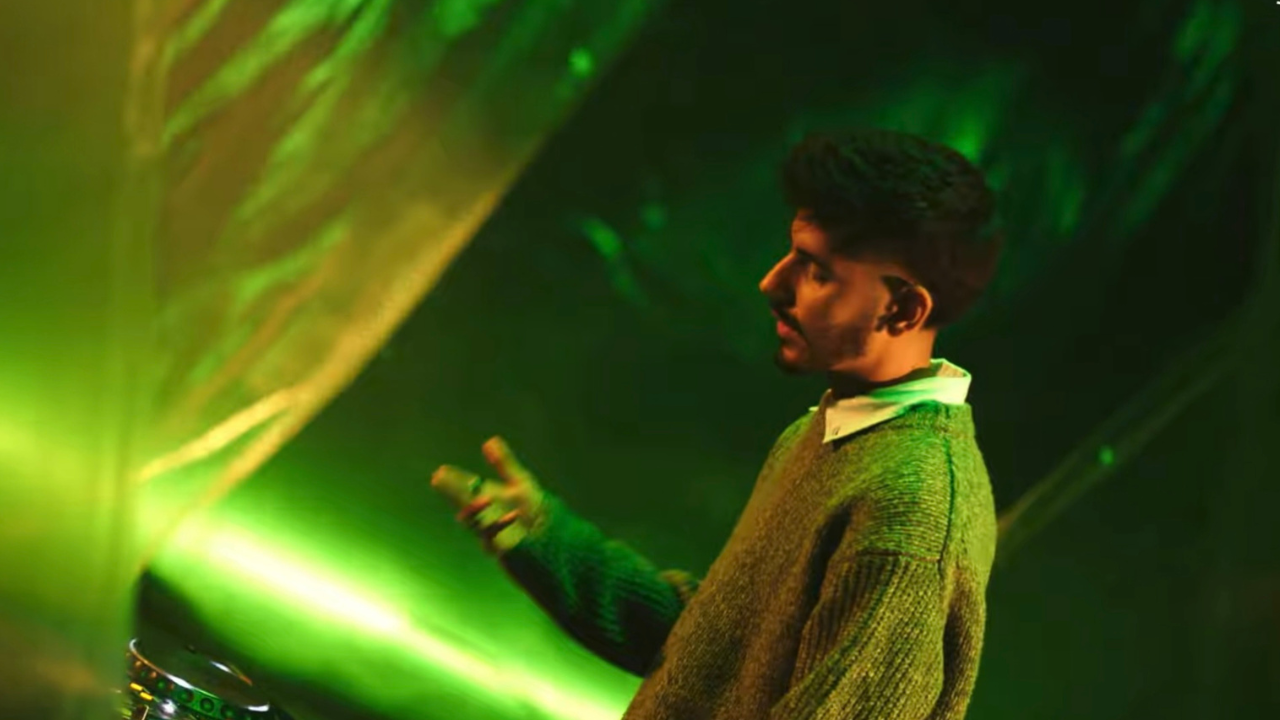
Experience India’s Premier 6 Months music production program, designed to immerse you entirely in the art of music production and the business of music. Master the art of making music that sounds professional and consistent, get more benefits and an extended support program.
 English, Hindi
 English, Hindi
Upcoming Batch - 1st Jun, 2026 - Mumbai
In-depth live sessions which are also made available for viewing later at no extra cost
Learn the basics of Ableton Live and take your first steps in understanding the DAW. Topics for beginners include an introduction to Ableton Tools, Ableton Sound Effects, Ableton MIDI Effects, and Ableton Live racks. In the following, you will also learn more about the Session and Arrangement view. A brief idea of how to align the first track using audio warping and music theory.
Ableton Live DAW training
File Management, Navigation Workflow, Session View, Arrangement View, Tempo/Time Signatures, Using Markers, Song Arrangement.
Intro to Ableton instruments
Simpler, Sampler, Operator, and Basics of Sampling and Synthesis, Impulse and Instruments Rack. Understanding Tension and Wavetable from Ableton 11.
Intro to Ableton’s audio effects
Introduction to Ableton Audio effects and their applications, including Delay, Dynamic, EQ, Drive and Colour, Modulators and Pitch and Modulation, etc.
Intro to Ableton’s midi effects
Introduction to Ableton MIDI Effects: Chord Triggers, Envelope, Expression control, MIDI monitor, MPE Control, etc.
Intro to Ableton Live racks
Using Drum racks, Instrument racks, using MIDI triggers and Groove Pool, creating racks and understanding Macro controls.
Session / Arrangement view in detail
Audio and MIDI editing and MIDI Clip properties with advanced features. Arrangement loops, resizing, clip properties and audio editing basics, understanding clip stop buttons and track status fields, etc.
Advanced MIDI and Automation
MIDI Mapping and Automation, Drawing and editing automation, drawing and editing envelopes, editing breakpoints, Automation shapes and their usage, re-riding automation and locking envelopes, etc.
Master Ableton Live by gaining in-depth knowledge about Advanced Midi Devices, Audio Devices, Compressor, Ableton Live Routing, Reverb & Delay, Simpler, Sampler, Max for Live Devices and much more. The topics in this module work with Ableton Live projects to help students improve their knowledge by exploring different areas.
Advanced MIDI Devices
Exploring the MIDI connections and routing along with the external synth daisy chain with Ableton, understanding MPE and MIDI 2.0 Protocol with Ableton Live.
Advance Audio Devices
Understanding the Audio devices and racks with advanced concepts of EQ, Compression and saturation, Through and Parallel Processing.
Simpler/ Sampler
Exploring the concepts of synthesis using simpler and sampler, and advanced sampling using sampler.
Advanced Ableton Live Racks
Exploring the racks to understand the use in tracks, along with mapping the racks to controllers for performance.
EQ and Filters
Understanding Parametric, Quasi-Parametric and Graphic EQ and its applications.
Mono Vs Stereo
Understanding the difference between Mono / Stereo tracks and Mix, Spectrum analyser, Phase correction and Co-relation analyser.
Ableton Live Reverb and Delay
Reverb and Delay parameters, Diffusion, Pre-delay and setting up the right texture for the track. Using delay sync with tempo, reverb and delay automation and parallel processing using return channels.
Advanced Ableton Live Routing
Routing matrix in Ableton and clip view vs. arrangement view for live performance. Using external devices to show the routing.
Advance Compressor
Parameters of compressors: Threshold, Ratio, Knee, Attack and Release. Upward and Downward compression.
Audio warping and Remixing
An introduction to warping in Ableton Live, how to warp a song, how to use warp to change the tempo of the sample, and using Pitch effects on samples to fit the song.
Max for Live devices
Covering the Buffer Shuffler and Convolution Reverb, the LFO and Envelope Follower, and drum synths, etc.
Arranging your first track
Arrange your first demo track using the skill set achieved during the course and feedback review for the same.
Fundamentals of music theory, Melody Writing, Lyric Writing, Practical Music Theory, Chord Progressions, Melodies, Song Structure, Lyric Writing, Creativity, Songwriting Tips & Tricks, and more will all be covered in this course. This module covers basic and advanced concepts in detail, such as track arrangement, using music theory inside Ableton Live to write melodies and chord progressions.
Introduction to Advanced Music Theory
Introduction to advanced music theory and understanding the intervals and rules of intervals. Understand different types of scales (Diatonic and Pentatonic).
Chords and Chord Progression
Understanding Chords(Dyads, Triads, Tetrads, Pentads) Creating Chords and Chord Progression.
Functional Harmonies and Cadences.
Understanding Functional Harmonies and Famous Chord Progression and Why They Work, and Understanding the relationships between them.
Voice Leading, Circle Of Fifths and Key Signature
Understanding the colouration of harmonies and how they move through the musical section. How to construct and learn various uses of the circle of fifths. What is a key signature, and how is it helpful for musicians?
How to Borrow Chords and Change Scales.
How to Sound Unique with the composition and use different techniques to Borrow Chords and Change the Scale.
Musical Modes
Understanding different types of modes like Ionian, Dorian, Phrygian, Lydian, Mixolydian, Aeolian, and Locrian. What is the difference between Modes and Scales, and how to use them?
Rhythms
Understanding Tempo and Time Signature in depth. How to break down a rhythm and learn different types of rhythms.
Introduction to Songwriting
Introduction to songwriting and understanding how to deliver a story, and how to get started for writing your first song.
Compositional Elements
Introduction to compositional elements like Number of lines, Length of lines, Rhyme Schemes and Pro tips and tricks for writing lines in your song.
Rhymes and Rhythms
Understanding different types of rhymes and their emotions, and how to use Lyrical Rhythms in your song.
Writing a Song From Scratch
Writing lyrics and composing a song from scratch by only using the techniques we learned in previous sessions.
Feedback and Final Tips
Final tips, tricks and in-depth feedback on your tracks to create a popular hit.
Learn how to design sounds from scratch using some of the most famous third-party plugins such as Xfer’s Serum, NI’s Massive X, Faceplant, Slate Digital’s ANA2, etc. This module takes you through the fundamentals of using virtual instruments for sound layering, sampling and sound design in detail. At the end of this module, you will be able to create basic and complex sounds using a plugin of your choice.
Basics of Synthesis
Synthesis and types of synthesis: Introducing Oscilators, Filters and Envelops and LFO. Understanding the signal flow and types of synths based on construction.
How to use Wave Tables
Using Wave tables to understand additive and subtractive synthesis. Understanding Wave forms and their nature, and how sounds can be identified to have each parent waveform for synthesis.
Serum Part 1
Introduction to Subtractive synthesis. Understanding the use of oscilators, LFOs, and Amps to create the modular signal flow for subtractive synthesis.
Serum Part 2
Advanced Wavetable and Additive Synthesis. how to achieve it within Serum, and ends with a discussion about how to create with intention and put additive synthesis to use in your production workflow.
ANA 2 by Slate Digital Part 1
Advanced level subtractive synthesis. Learn drag and drop reordering, polyphonic step arps, chord progressions with CMD, and a modulation matrix.
ANA 2 by Slate Digital Part 2
Introduction to AM synthesis and Modular Synthesis. Macro Controls for an advanced modulation matrix and FM oscillators using ANA.
How to use Phaseplant (FM Synthesis)
Advanced FM synthesis and making sounds from scratch. Generator Area, Modules, Modulation scaling, Min-Max Modulation, Macro mapping and ADSR with analog oscillators, etc.
How to use Massive X
Introduction to formant Synthesis, wobble sound making and ADSR with noise shaping. Routing within Massive X, understanding Massive for its assignment of modulators and imports from Reaktor Racks.
Design sounds from scratch
Modular synthesis and Routing with Modules. Designing the sounds identical to the given sample: Kick, Snare, Violin, Lead Synth, etc., to understand and design self-made sounds to be used in songs.
VCV Racks
Advanced Modular synthesis with VCV Rack and understanding module connections. Designing panels, SVG standards and understanding Digital Signal Processing.
Layering sounds
Understanding the layering of synth sounds and correction of LFO phase issues. Understanding the tempo-based changes in LFO, mapping manually and synthesis based on genre and automation.
Daisy Chain and External MIDI Synths
Brief introduction to Daisy Chain and using external synths in DAW. Understanding the routing and assigning for master/slave synths and MIDI for a daisy chain. CC message mapping and learning the usage of Moog, Korg, Roland, etc.
In this hands-on module, students will learn the core principles and processes that form the foundation of every great mix. From properly preparing a DAW session to understanding the roles of EQ, compression, reverb, delay, and modulation, this module will guide you through the complete mixing workflow with a focus on real-world applications.
Whether you're mixing vocals, synths, drums, or acoustic instruments, this module ensures you understand how to balance your mix elements in a way that feels dynamic, musical, and emotionally impactful.
Preparing Session for Mixing
Learn how to set up your project for an efficient mix. Explore track organisation, colour-coding, naming conventions, bus routing, aux channels, and the use of templates. Discover why proper session prep ensures faster decisions and better mixes.
Gain Staging
Understand analog vs. digital gain staging and how it affects your mix headroom and clarity. Explore LUFS, RMS, peak levels, floating point vs. fixed point processing, and how to prevent unwanted distortion or clipping in your chain.
Dynamic Processing 1: Compressor
Discover why compression is utilised in mixing and explore key parameters, including threshold, ratio, knee, attack, and release. Compare various compressor types: VCA, FET, Opto, Tube and understand when and why to use each.
Dynamic Processing 2: Compression Techniques
Dive deeper into compression with techniques like parallel compression, sidechaining, glue compression, and genre-specific dynamic shaping. Understand upward vs. downward compression and their use in vocals, drums, and instruments.
Noise Gate and Gating Processes
Clean up unwanted background noise and mic bleed using noise gates. Understand hysteresis, attenuation range, and how to use gates creatively on reverb or delay returns for rhythmic and spatial effects.
EQ in Detail Part 1 – Additive EQ
Learn the art of boosting frequencies the right way. Understand the parametric EQ layout and explore musical boosts to add air, presence, or warmth using stock plugins and analog emulations.
EQ in Detail Part 2 – Subtractive EQ
Discover how subtractive EQ can help remove mud, harshness, or resonances to create clean and focused mixes. Learn to use spectrum analysers and reference EQs to guide your decisions.
Time-Based Effects: Delay
Explore different delay types, mono, stereo, tape, ping-pong and their creative uses in a mix. Learn how to sync delays with tempo and automate them for transitions, vocals, and spatial depth.
Time-Based Effects: Chorus, Modulation & Flanger
Learn how modulation effects like chorus, flanger, and phaser add movement and width to static sounds. Discover how to use them subtly on vocals or dramatically on synths to enhance harmonic richness.
Mixing Approach: Fixing Common Problems
Understand common mix issues like muddiness, phase problems, harshness, and lack of punch. Explore philosophies like the New York, London, and Nashville mixing schools for creative problem-solving.
Approach to Get Clean, Punchy, and Dynamic Mixes
Master the techniques that give your mix energy and clarity from gain matching and additive EQ to buss compression and routing. Discover how professional engineers craft tight, modern mixes across various genres.
This module is designed for producers who already understand the basics of mixing and want to take their skills to a professional level. You’ll explore high-level mixing concepts such as automation for movement, advanced saturation and distortion techniques, tape emulations, multiband processing, and dynamic spatial treatment using reverb and delay.
You’ll also dive into the science and art of mastering, including how to prepare mixes for streaming platforms, how to use metering tools, and how to create competitive loudness without sacrificing dynamic range or clarity. Learn to master using Ozone, FabFilter, Waves, Plugin Alliance, and more.
Whether you're working on EDM, hip-hop, pop, or film music, this module equips you with the creative and technical edge needed to produce clean, loud, and emotionally engaging tracks that stand up in commercial playlists and club systems.
Automation to Create Movement in the Mix
Add dynamics and emotion through automation. Learn to automate volume, panning, filters, FX sends, and plugin parameters using DAW lanes or hardware controllers. Understand the 3dB pan law and movement techniques.
Saturation and Distortion
Explore saturation types: tape, tube, and digital to add harmonic warmth and colour. Discover when and how to utilise distortion creatively to thicken sounds and add character.
Tape Emulations, Soft Clipping & Aliasing Filters
Delve into tape emulation plugins like Slate Digital and Waves to replicate analog sound. Understand aliasing, soft clipping, and how floating-point calculations affect plugin behaviour and mix tone.
Multiband Compression, De-essing, Limiter & Maximiser
Learn how to tame specific frequency bands, remove vocal sibilance, and control dynamics with multiband compression. Understand how limiters and maximisers create loud yet clean mixes for streaming.
Reverb and Spatial Treatment
Master convolution vs. algorithmic reverbs and their parameters (decay, pre-delay, damping). Choose the right type of plate, hall, and spring for vocals, drums, and synths. Explore spatial effects for stereo depth.
Metering: Analog vs Digital
Understand LUFS, VU, RMS, dBFS, dBV, and more. Learn how to calibrate levels for mixing and mastering using Izotope Insight, VU meters, and correlation meters. Separate loudness from level perception.
Introduction to Mastering
Learn why mastering is essential and how it differs from mixing. Explore the basic mastering chain: EQ, compression, stereo imaging, limiting, and gain staging. Understand loudness standards for release.
Mastering for CD and Streaming (Ozone Focus)
Explore the differences in mastering for CDs, vinyl, and streaming platforms like Spotify or Apple Music. Use Izotope Ozone to finalise tracks with multiband processors, maximisers, vintage EQs, and imagers.
Dither, Aliasing, Quantisation Errors & Noise Shaping
Understand how dithering reduces quantisation noise during bit-depth conversion. Learn about aliasing filters and sample rate conversion, and when to use noise shaping in your mastering workflow.
Using FabFilter Plugins
Deep dive into FabFilter Pro-Q, Pro-C, Saturn, and Pro-L for precision EQ, compression, creative saturation, and transparent limiting. Learn workflow tips for both mixing and mastering.
Using Waves Plugins
Explore iconic Waves plugins like SSL E-Channel, CLA-76, L2 Limiter, and H-Reverb. Learn how to integrate them into your mixing and mastering chain for professional polish.
Master Using Izotope and Plugin Alliance
Master your tracks using Plugin Alliance tools like Brainworx, Maag EQ, and Elysia compressors. Combine them with Izotope Ozone for advanced hybrid mastering chains and tonal balance..
Here are some of the key benefits that come with our course that will prepare and drive you into this competitive industry much further than the rest.
From beginner to advanced techniques — structured guidance through hands-on mentorship ensures no step is missed.
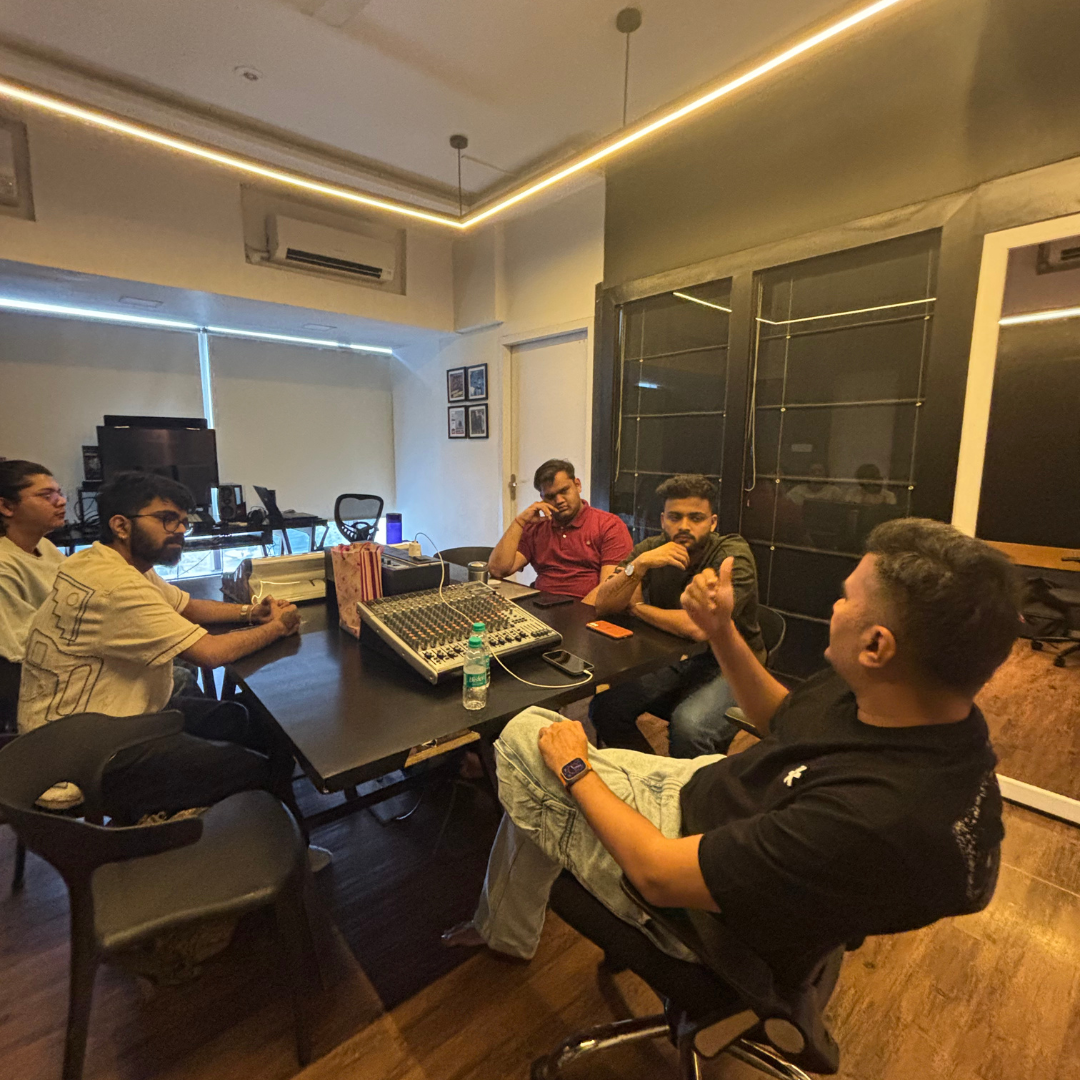
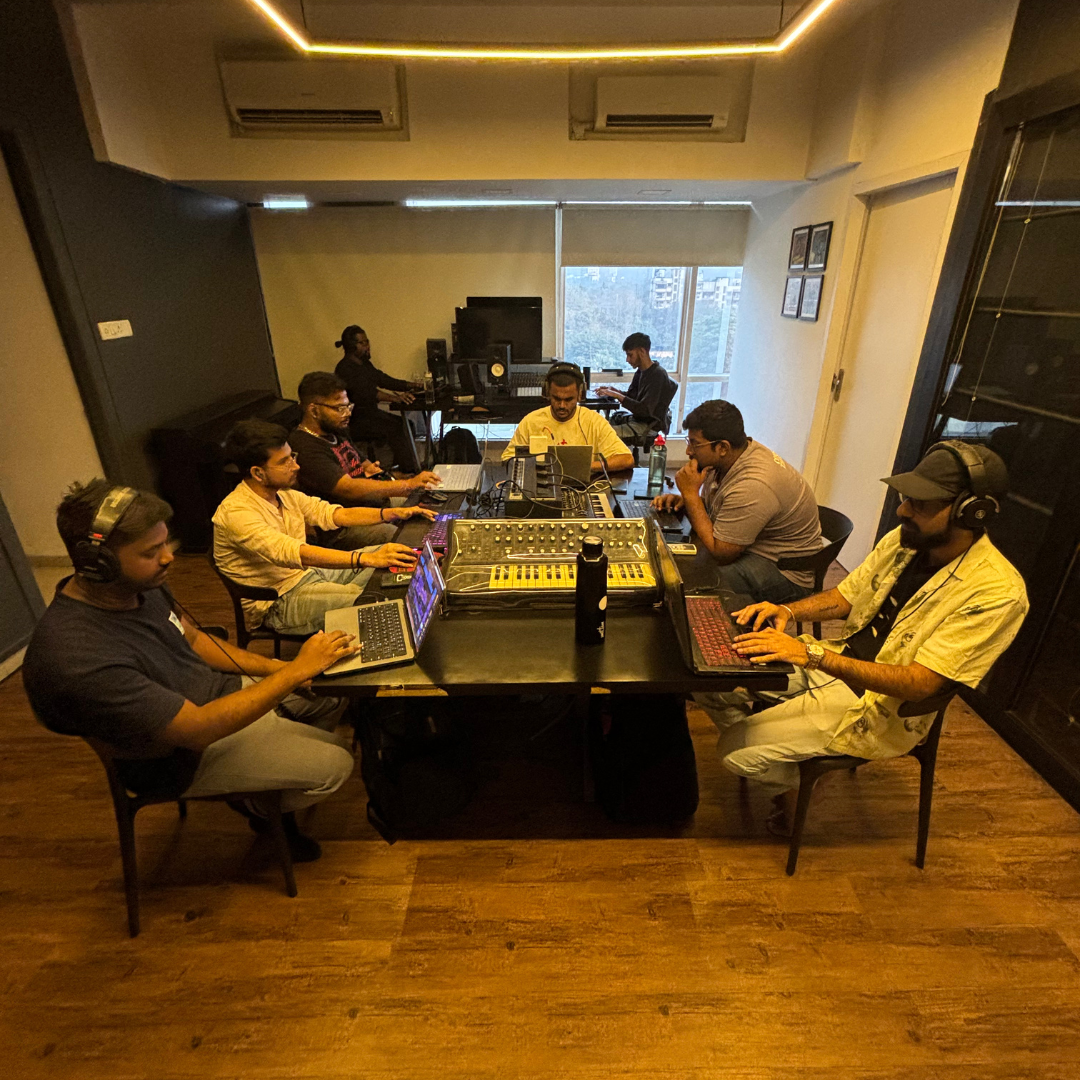
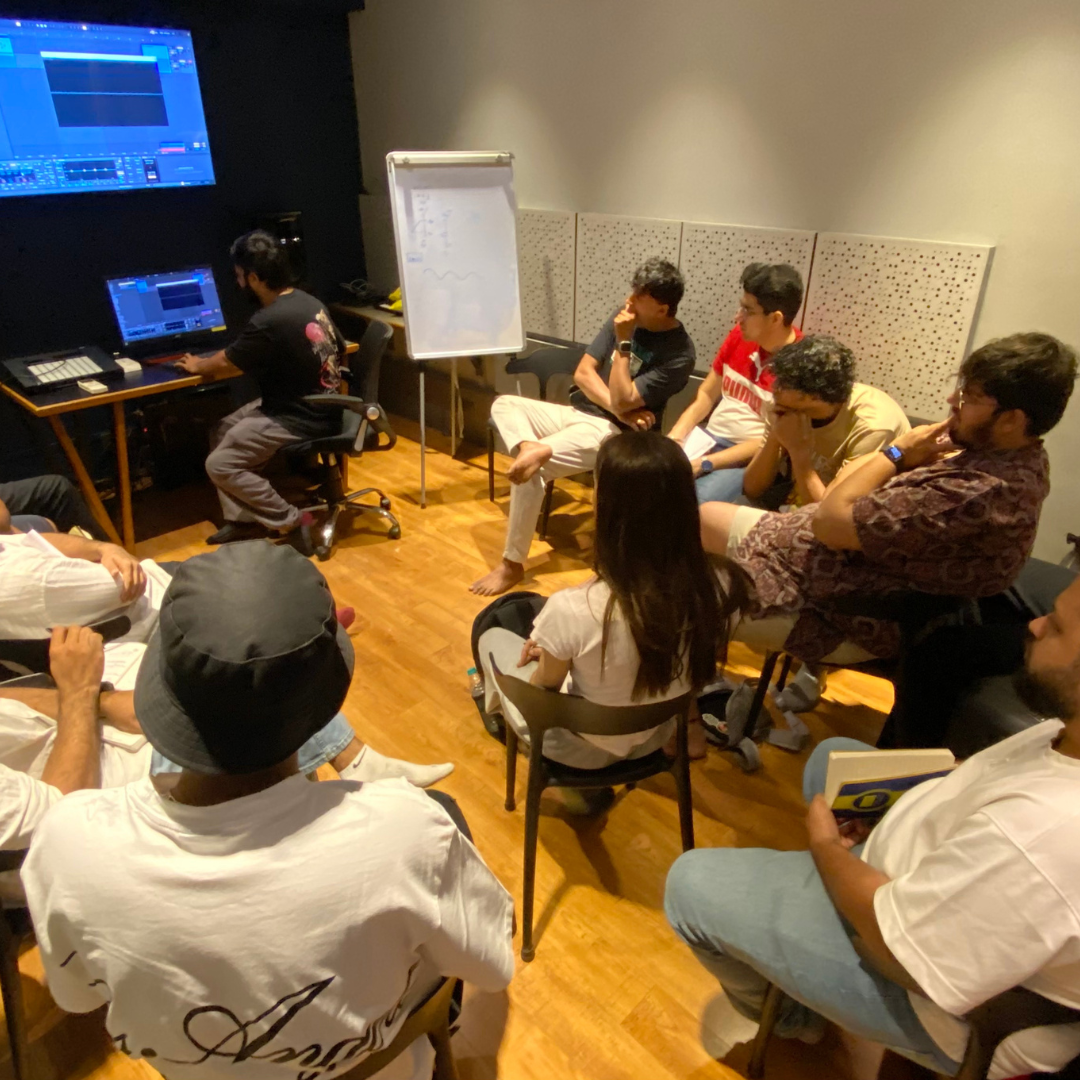
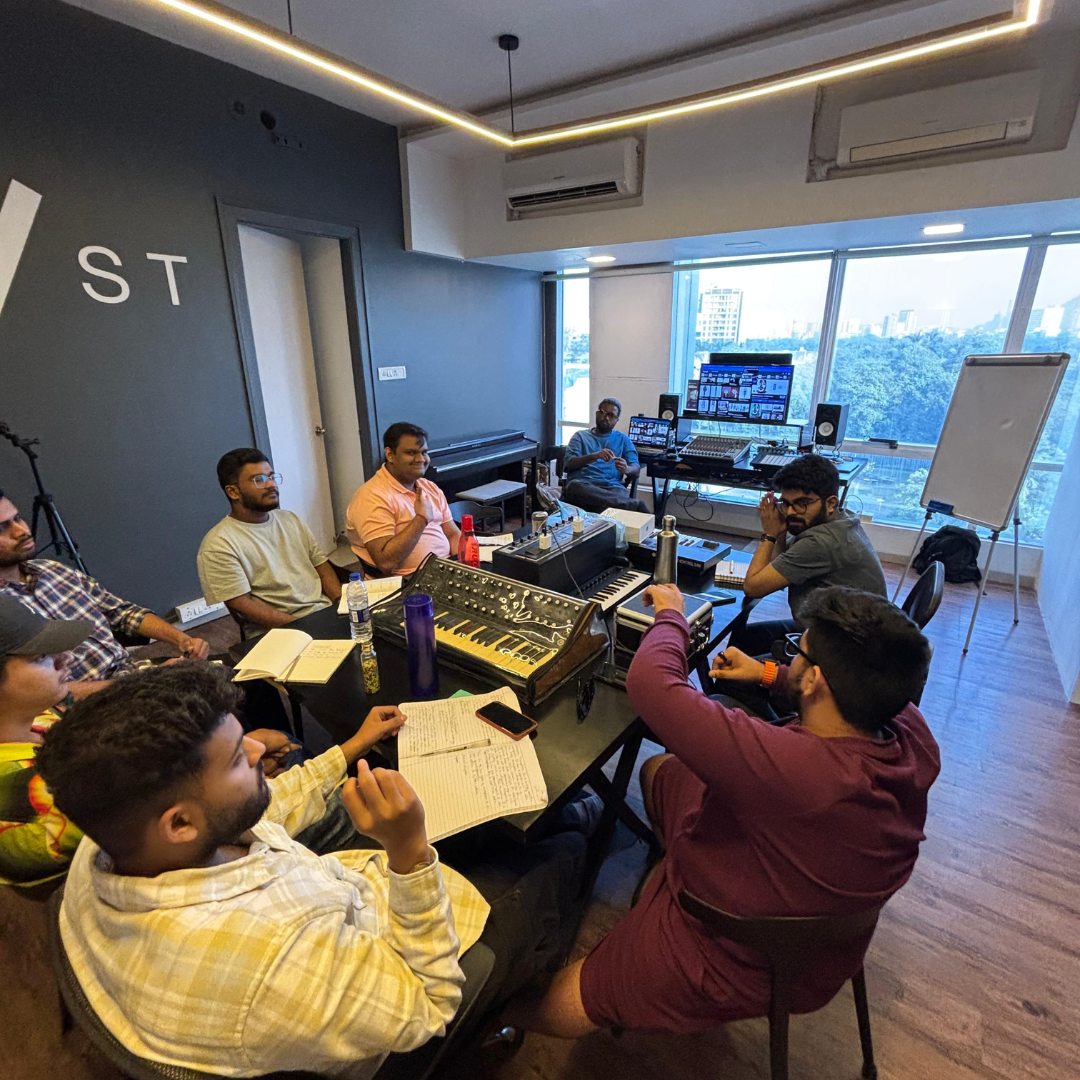
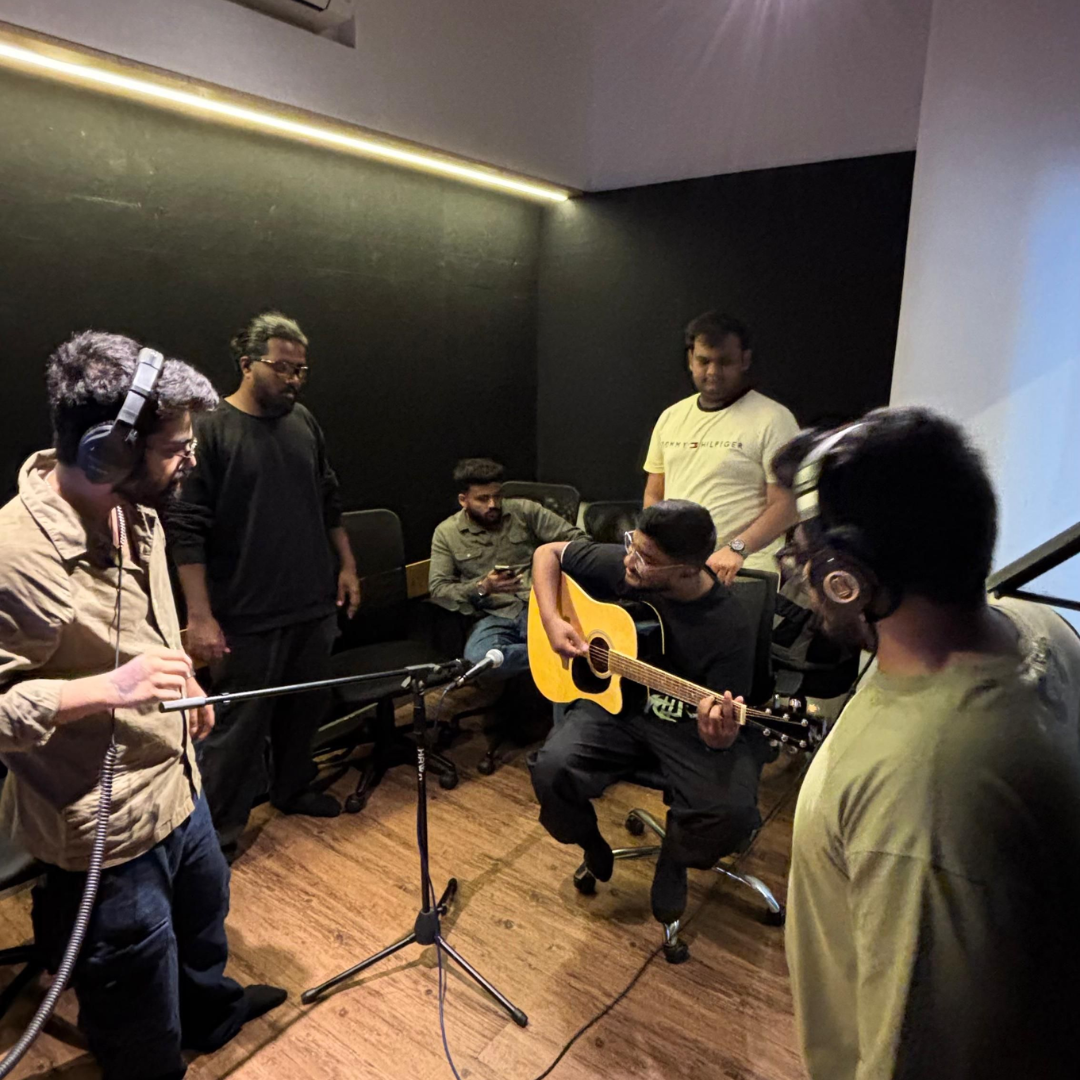
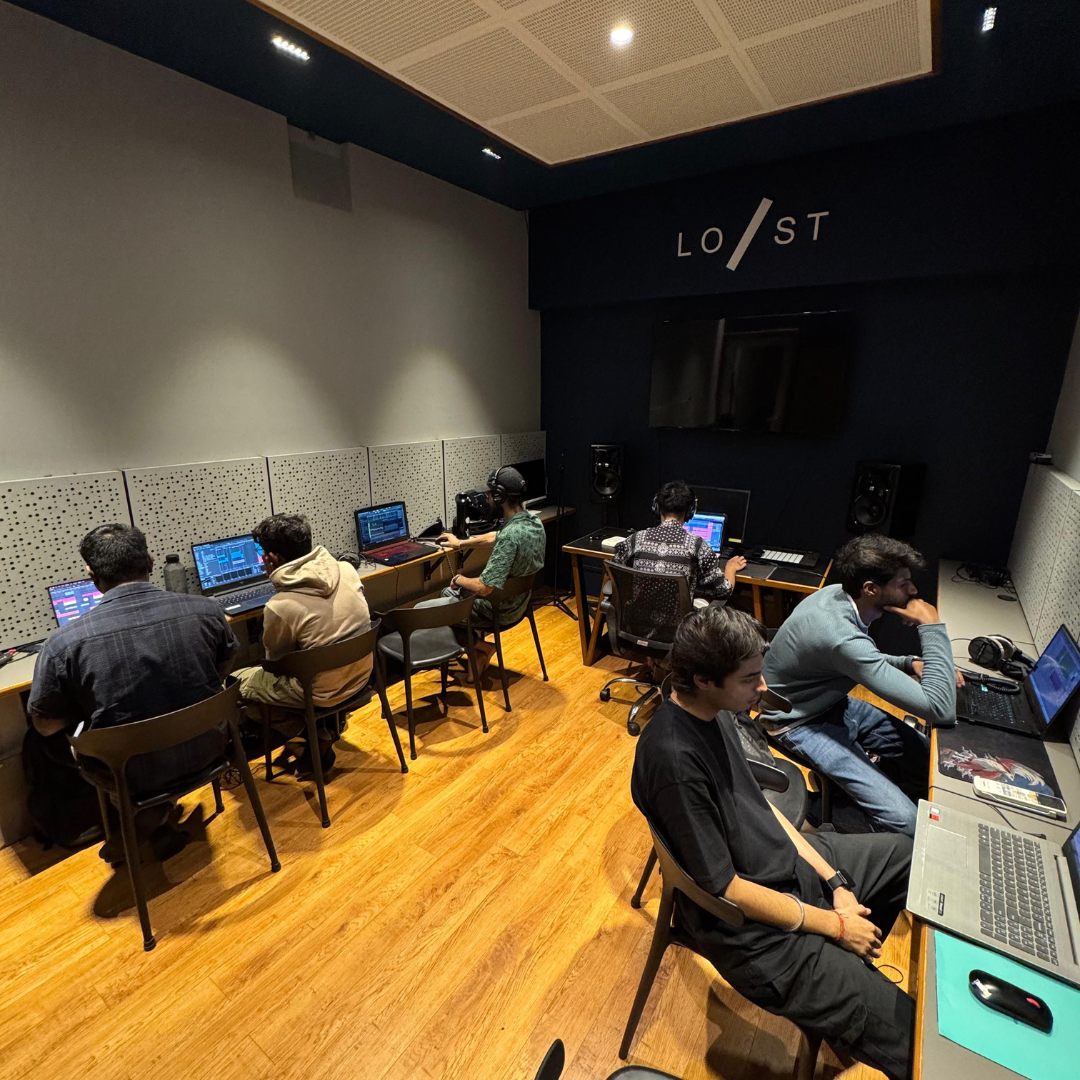
Self-learning can leave gaps. Live training ensures clarity, feedback, and accountability, which is crucial for serious producers.
No cracked software or compromises. Learn using the same tools top artists use worldwide.

Max For Live Complete Integration

Live Performance (Session View)

Advanced Audio & MIDI Effects

Unlimited Audio & MIDI Tracks

Sound Library & Instruments

External Gear Integration
A professional career demands professional tools. Having your own licensed DAW builds confidence, legality, and readiness for real-world work.
Get access to a professional environment to film music videos, shoot DJ sets, create Instagram reels, do photoshoots, or record promotional content - all under one roof.
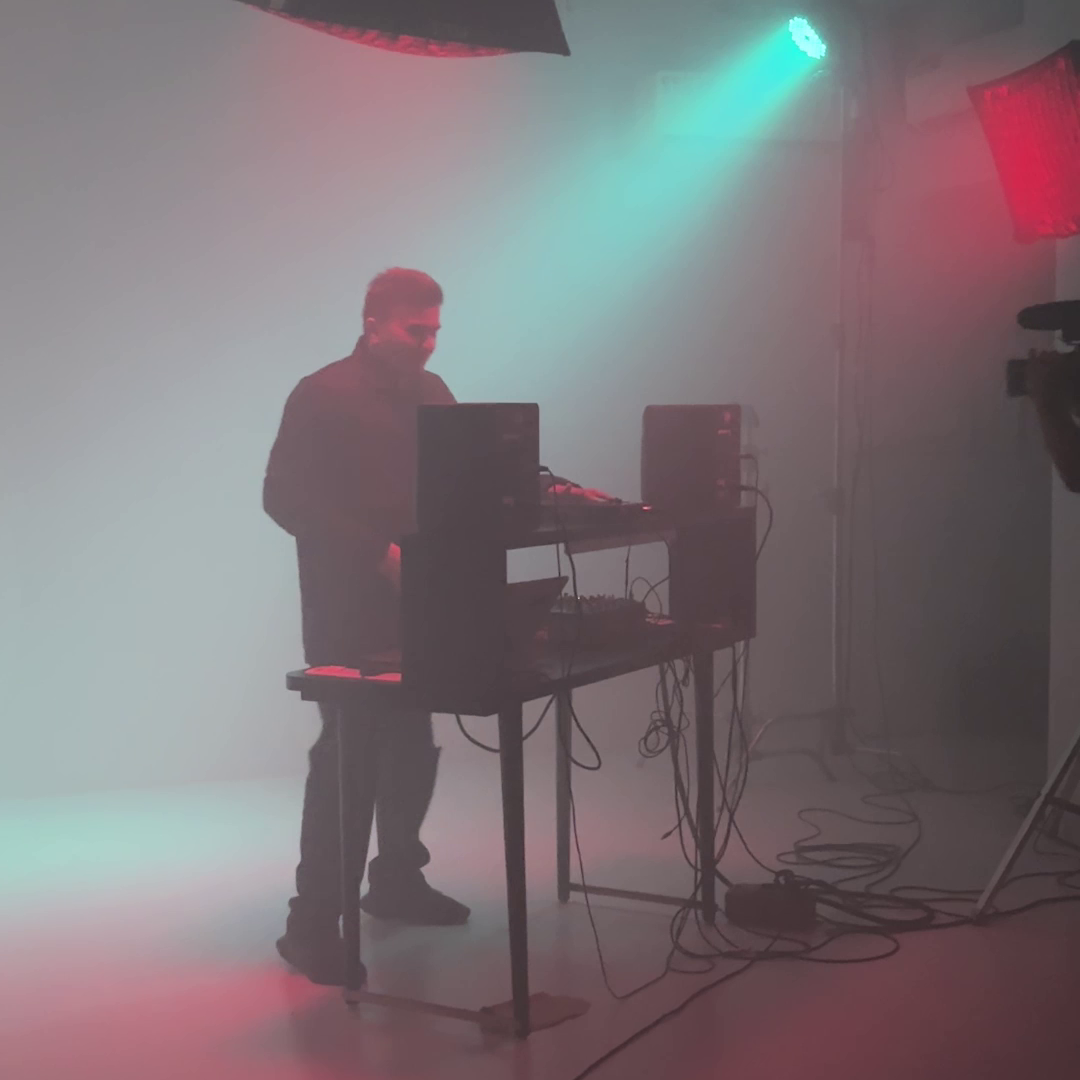

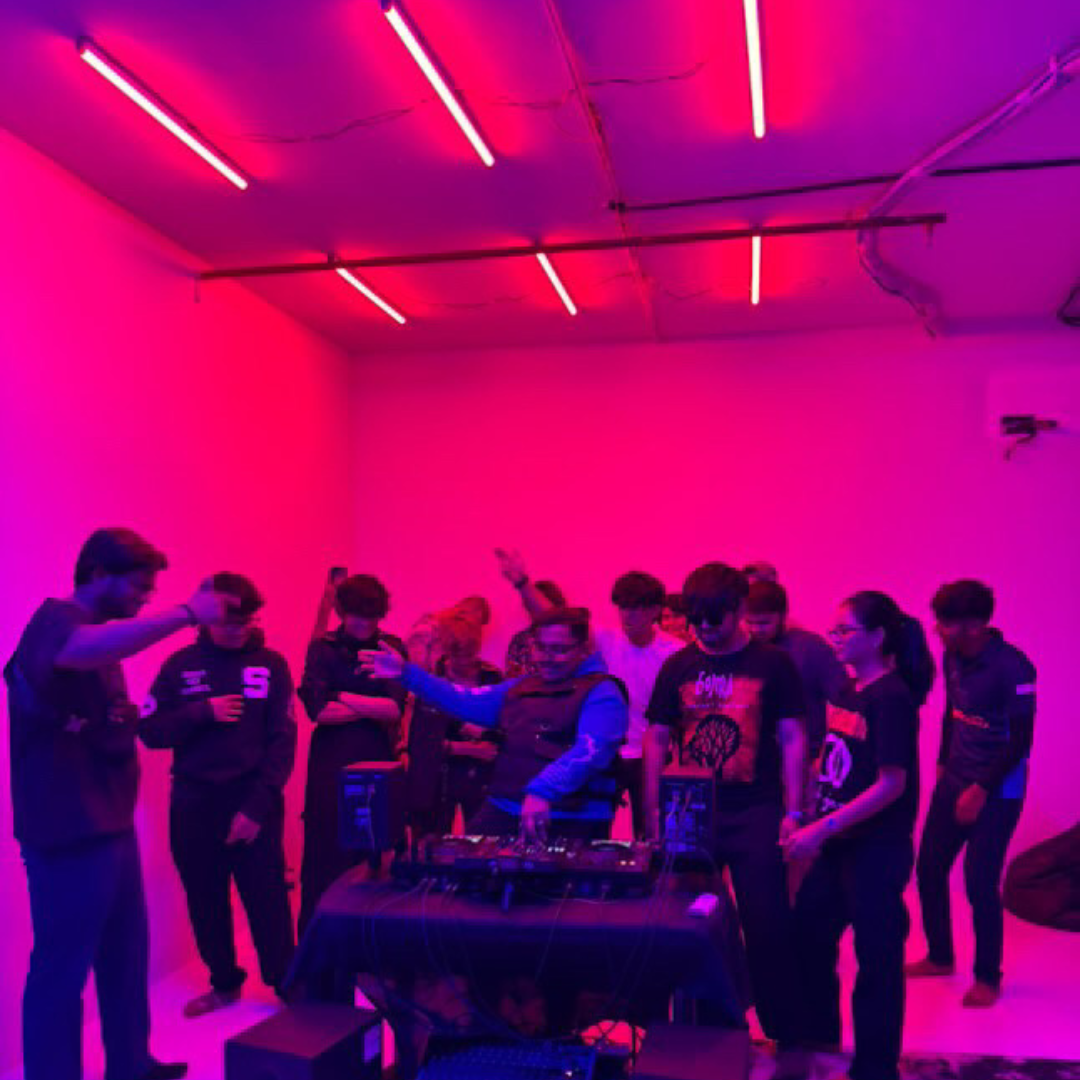
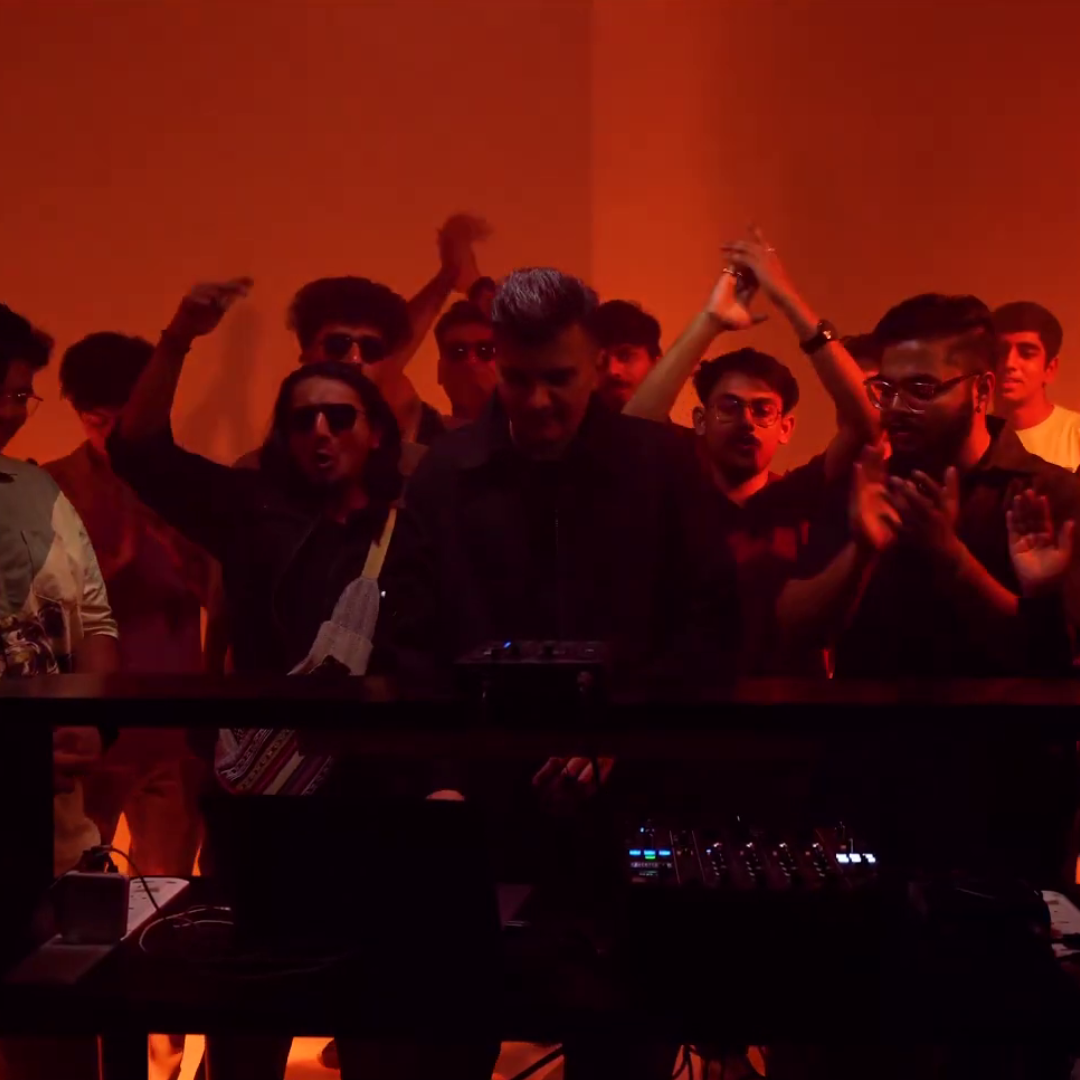

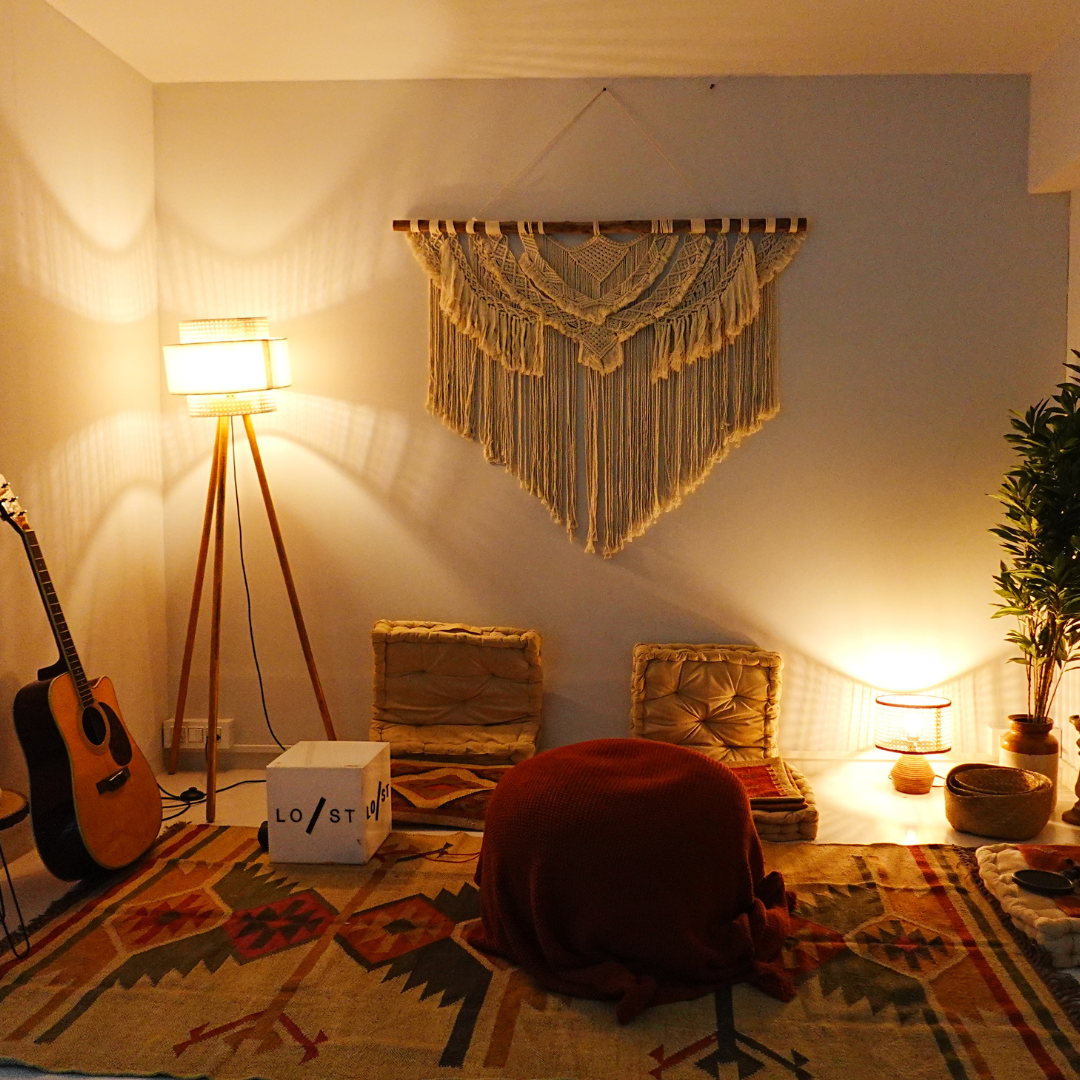
In today’s music industry, talent isn’t enough — visibility is everything. The Content Room helps you build your artist profile by providing the space and tools to create high-quality content that stands out, enabling you to grow your following and attract gigs or collaborations.
Meet labels, artists, managers, and placement companies to kickstart your career beyond the classroom.
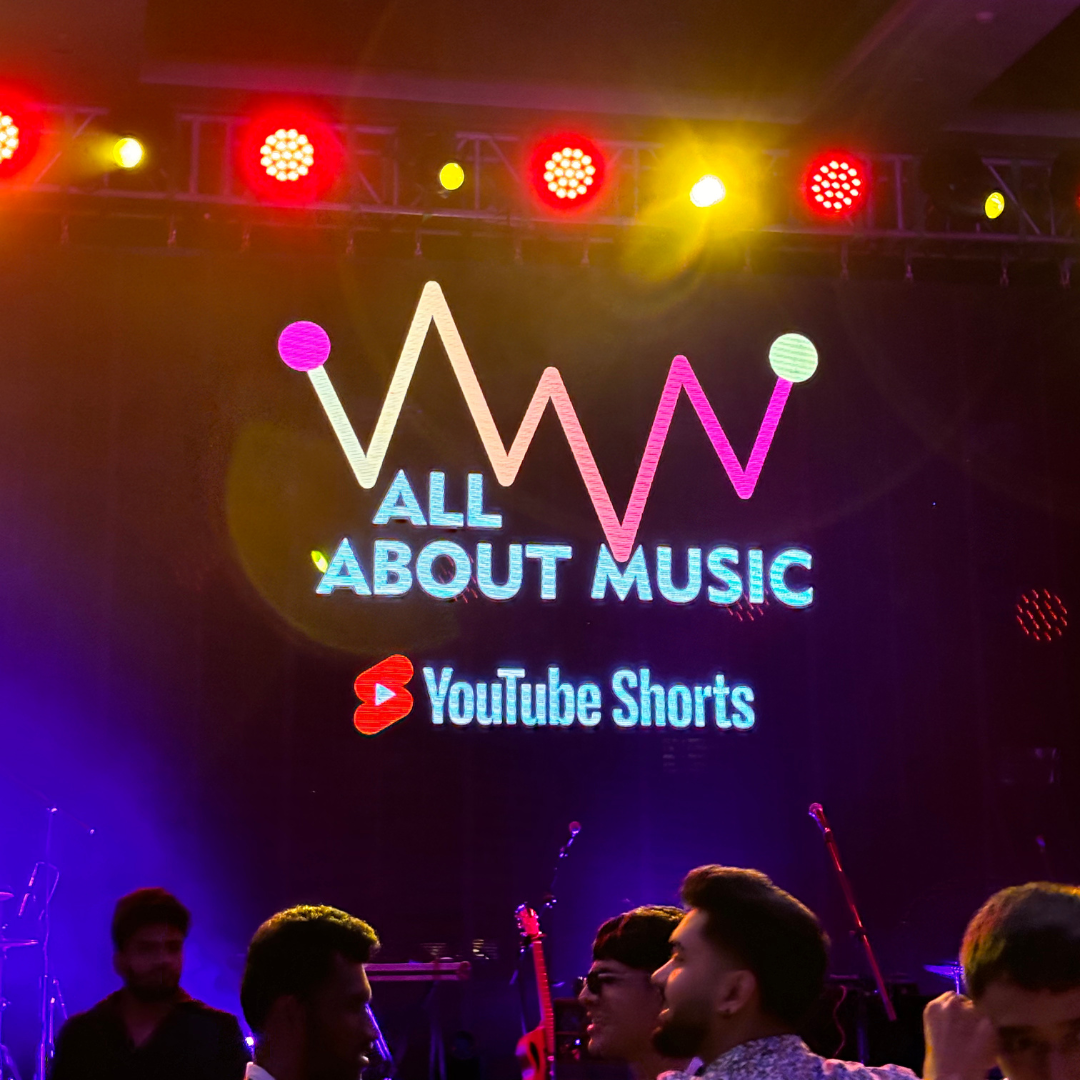
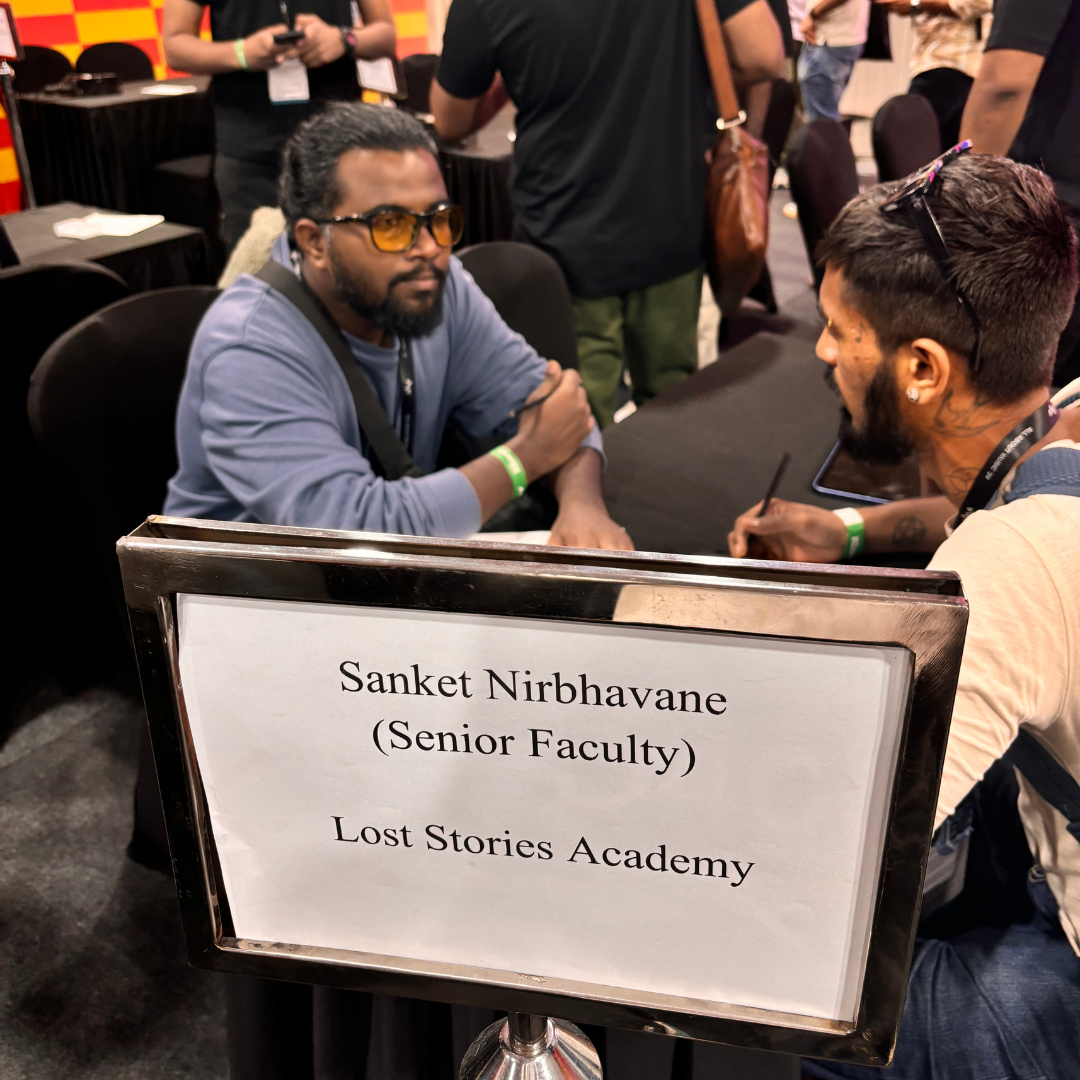
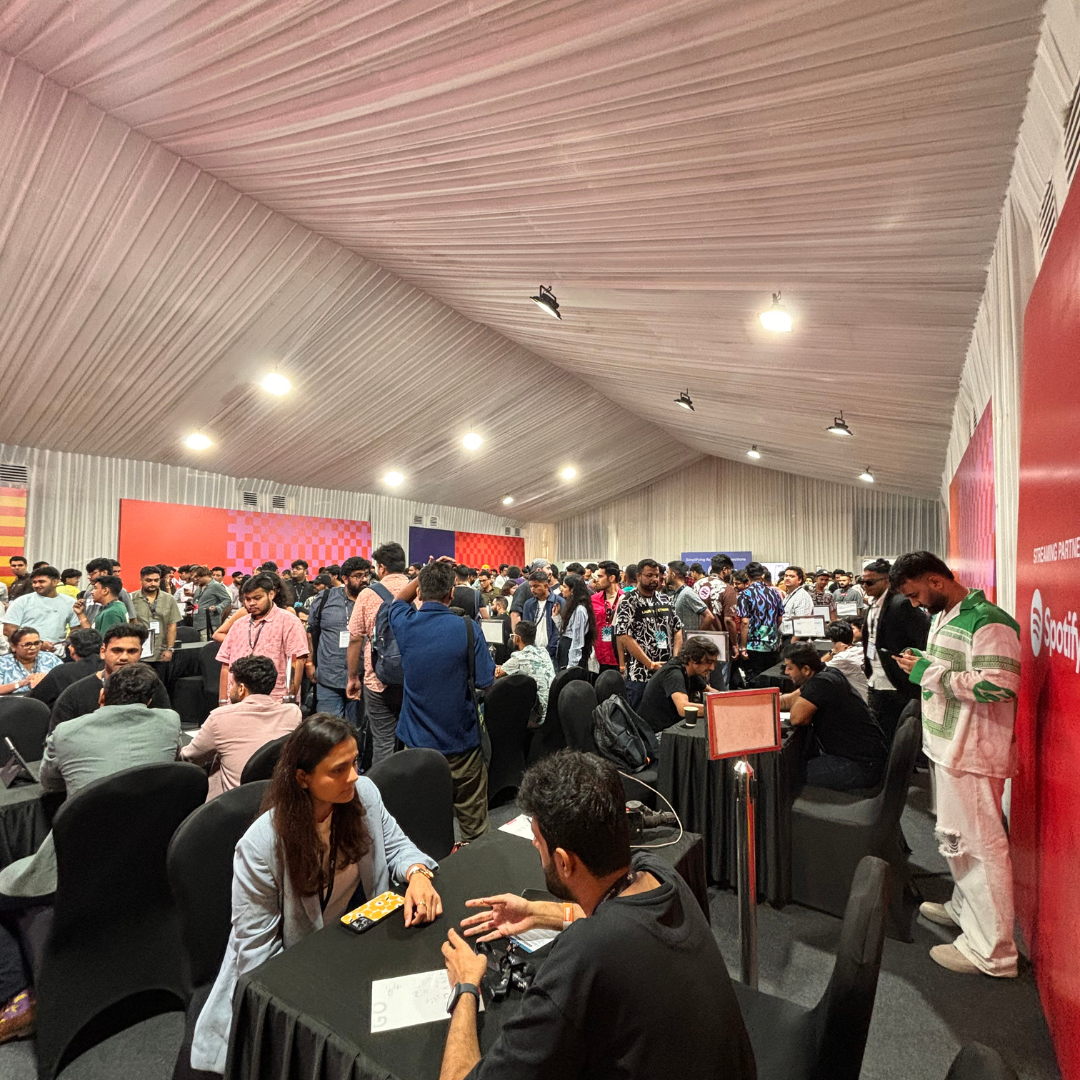
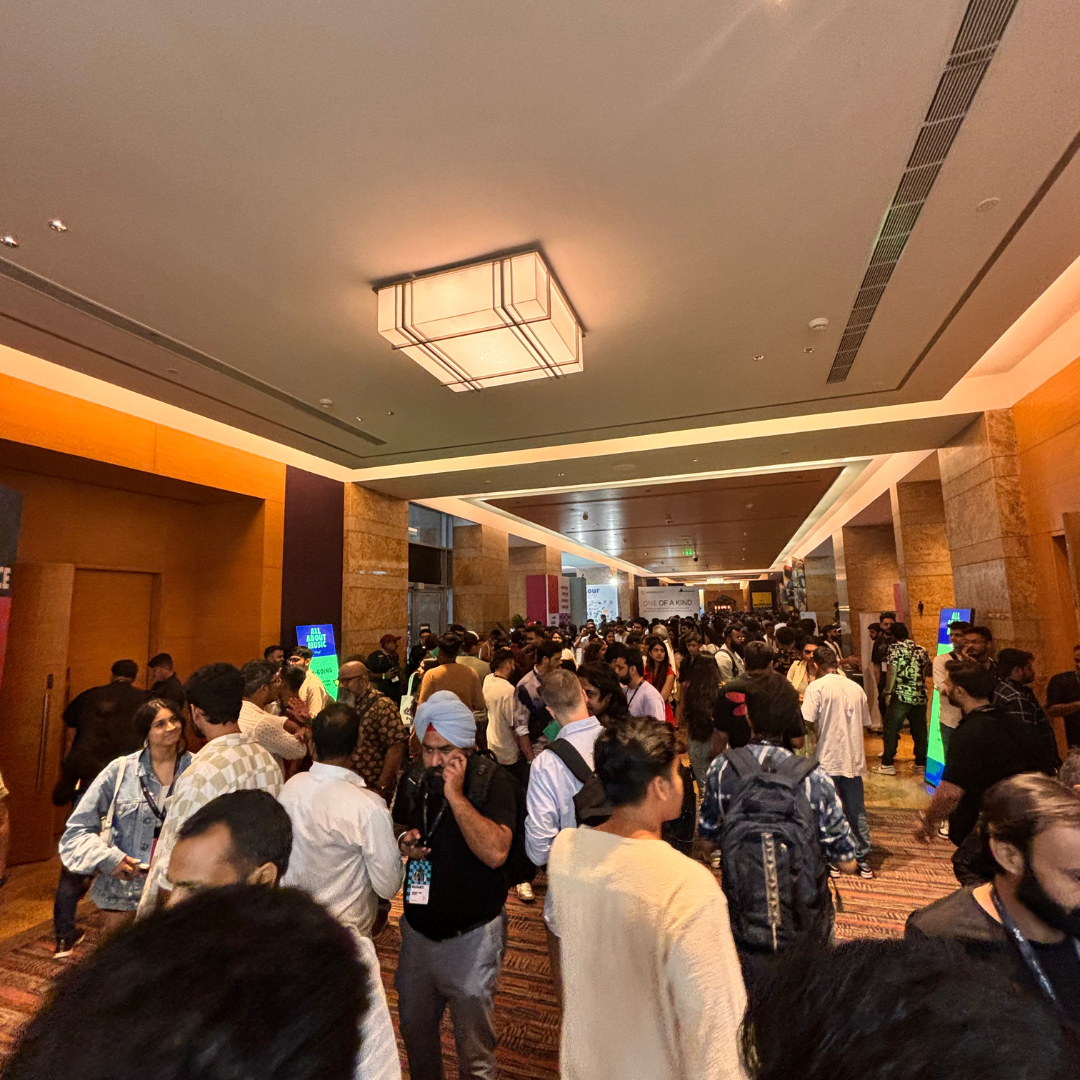
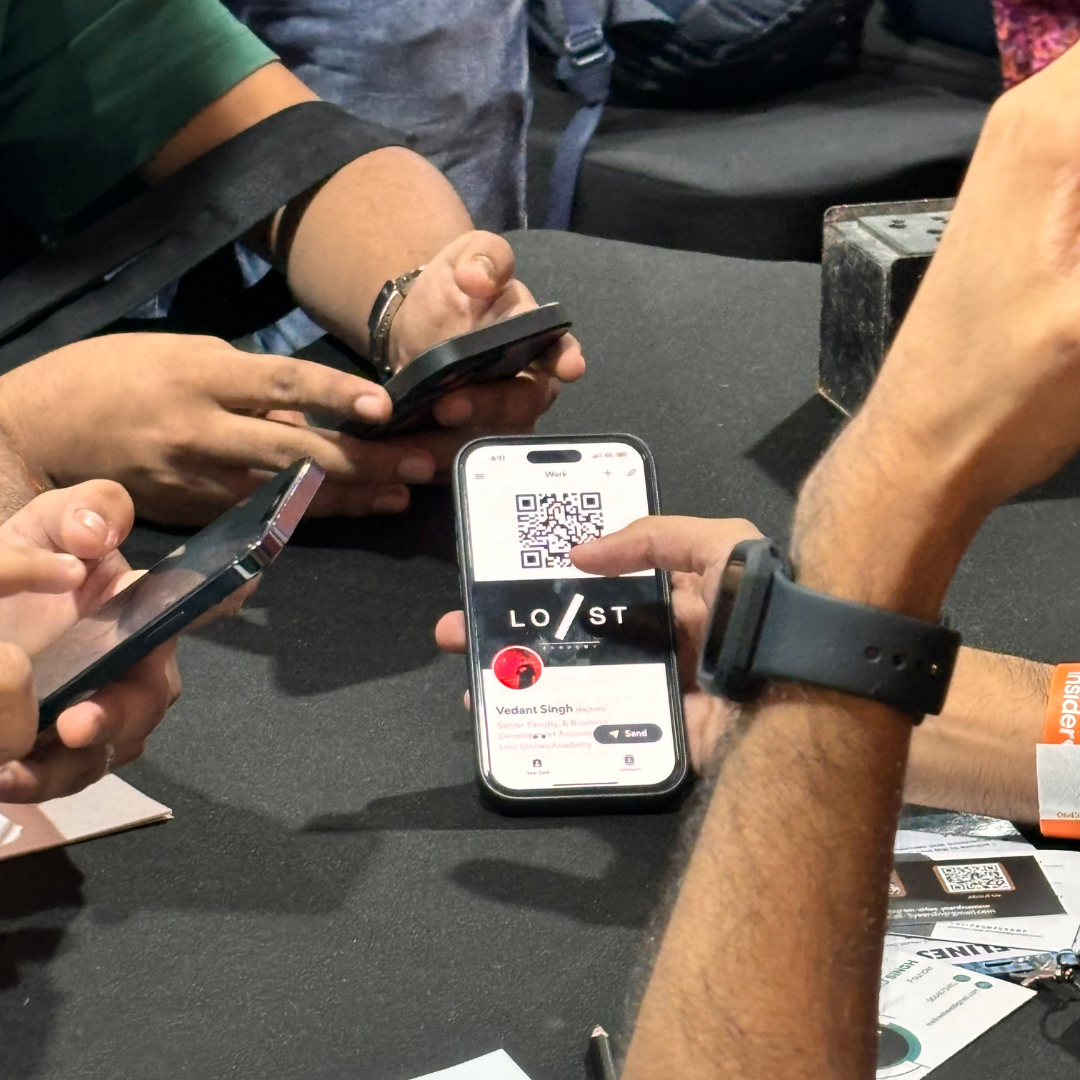
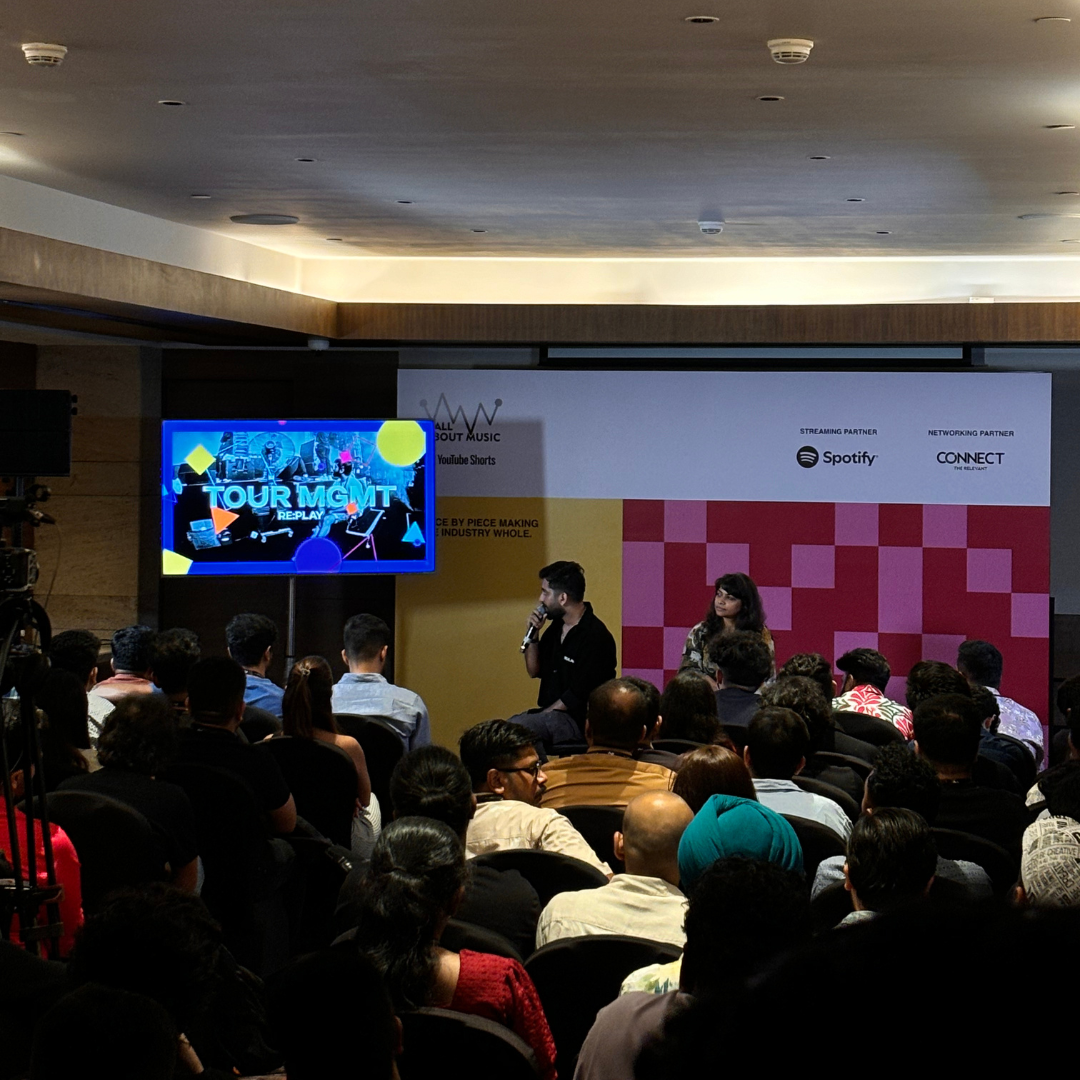
Building a music career isn’t just about skills — it’s also about who you know. Direct access to industry professionals can open real-world opportunities.
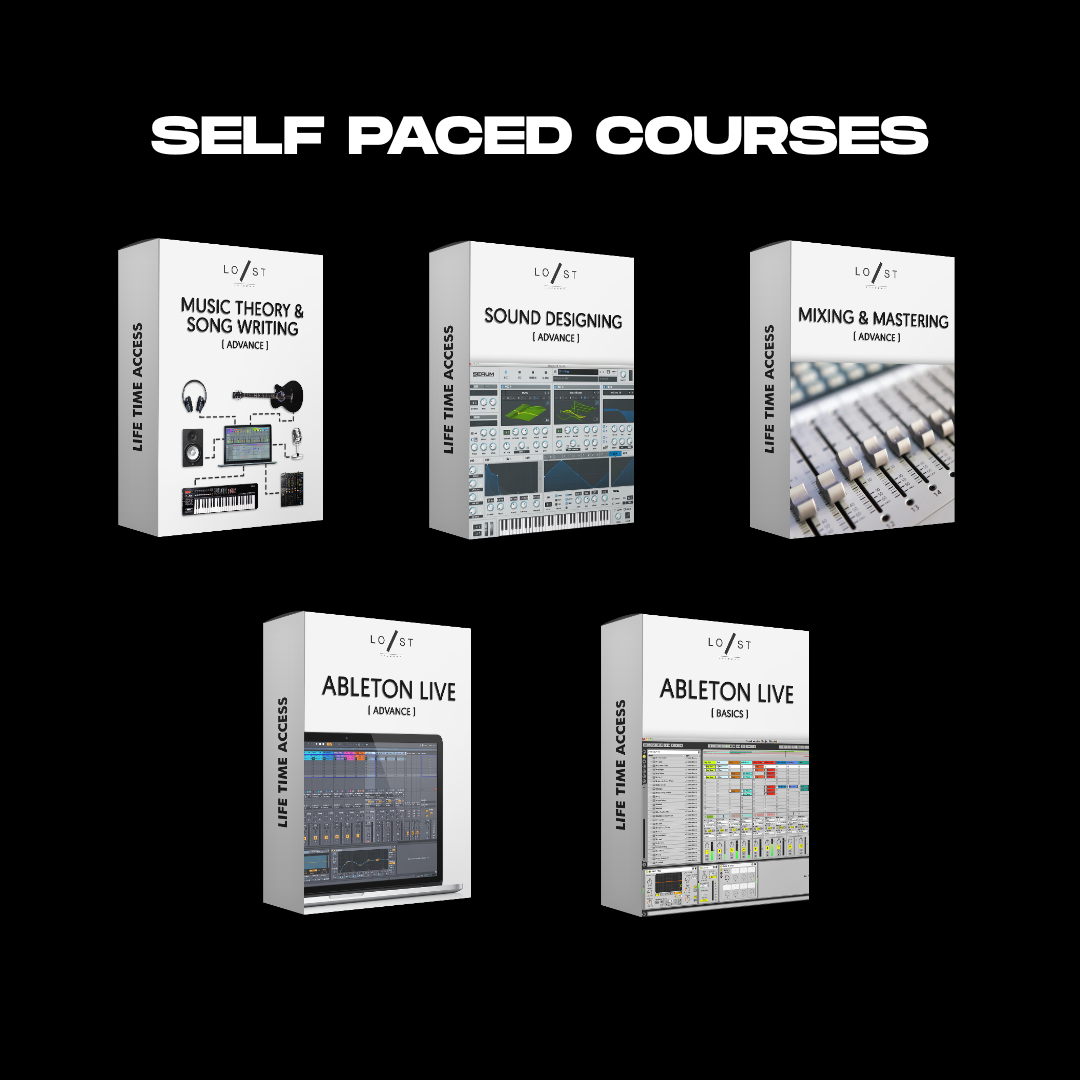
If you miss a live session, you can easily catch up with recorded classes available to watch at your own pace.
Consistency is key in music production. Self-paced access ensures you never miss critical lessons, helping you stay on track with your offline learning, no matter your schedule or situation.
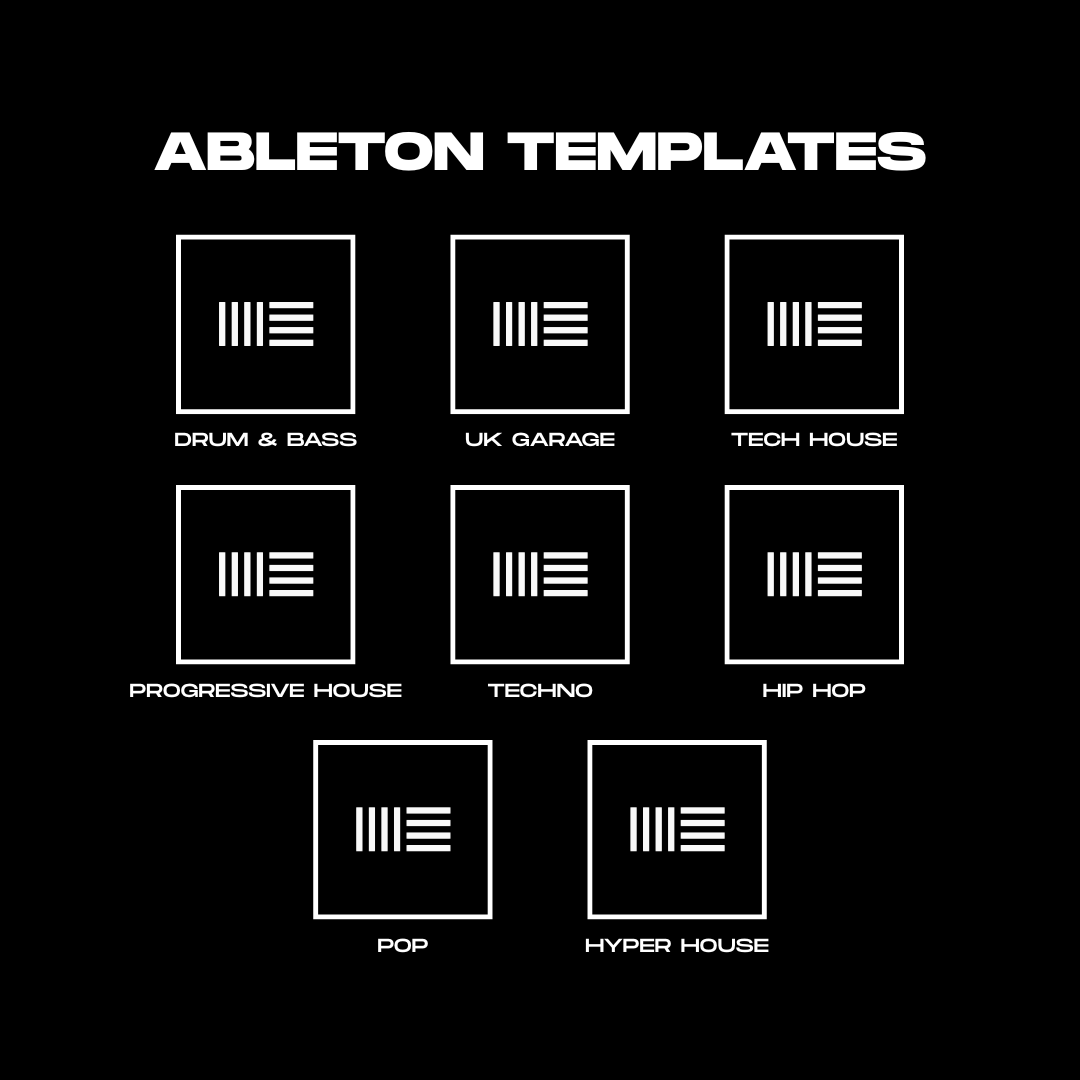
See real project structures, effects chains, and mix settings used by pros. Use exclusive pre-built templates and learn faster.
Reverse-engineering templates is one of the fastest ways to learn workflow, arrangement, and sound design tricks used by professionals.
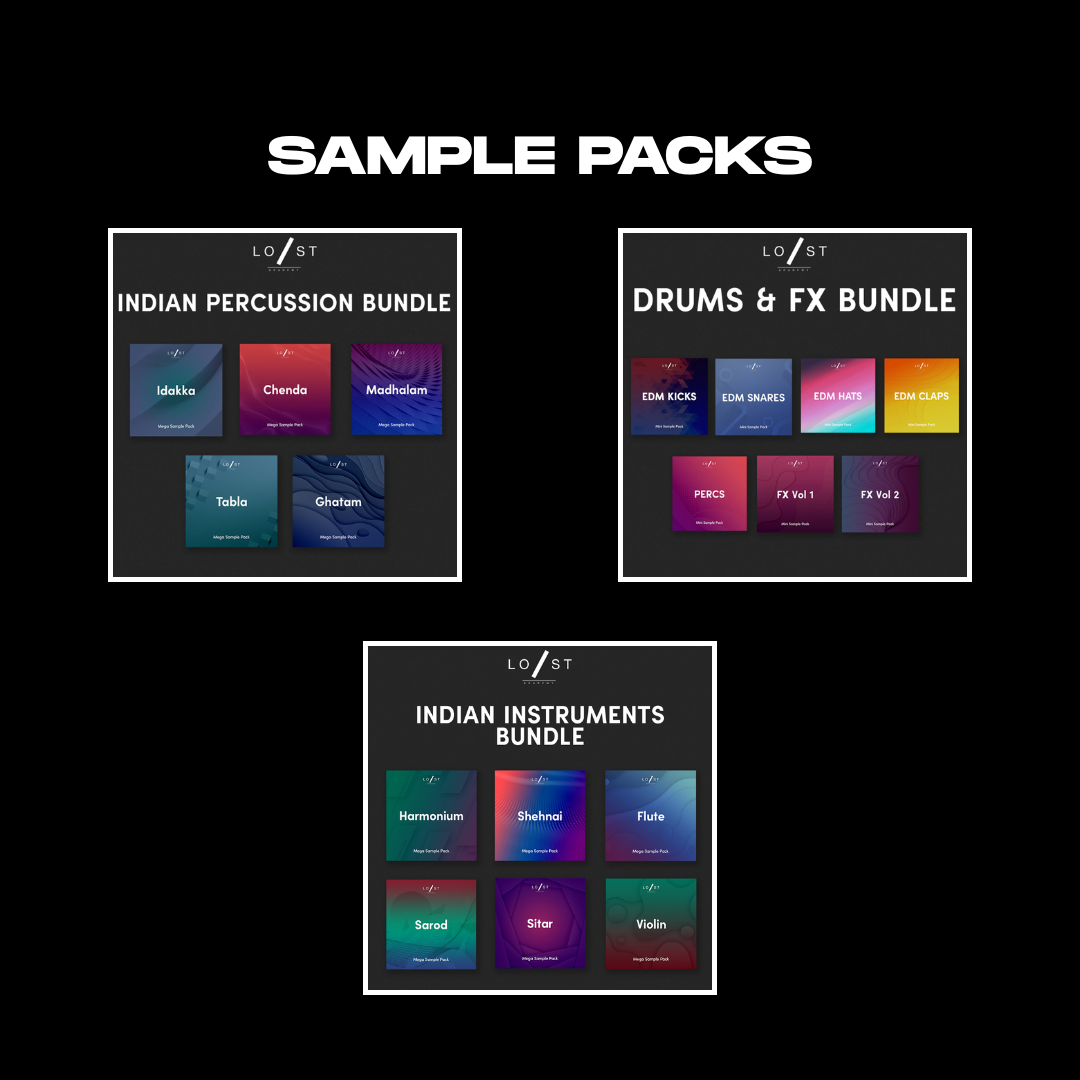
No need to hunt endlessly for samples — begin creating right away with studio-ready sounds.
Good sounds = Good music. Having a trusted sample bank saves time and helps you focus on creativity, not searching.
Join an active community of mentors and peers who support your releases, placements, and growth even after the course ends.

Demo Drop

Track Promotion

Music Placement

LSA Community

LSA Hangouts

Product Workshops
A thriving artist doesn’t grow alone. Continued guidance and shared wins keep your career evolving in the right direction.
Join 1000+ trained artists who've collectively crossed 100M+ Spotify streams. Our students work with top labels, land global music placements, and turn passion into sustainable music careers with expert training across production and business.
Upcoming Batch - 1st Jun, 2026 - Mumbai
Not textbook professors. Working artists, training India's next wave of music talent.
Hear it from the people who’ve been through it. Their journey started exactly where yours is right now
Originals and remixes by LSA alumni, now streaming everywhere.
Industry mentors. Hiring partners. Career pipelines built in through Labels, studios and stages that matter.













Below are the eligibility criteria for the course and the ideal candidates for the program.
Music Production to Music Marketing, we have it all covered in detail in our offline courses conducted in Mumbai.
The Course Is Conducted At Our Academy In Chembur, Mumbai.The Student Receives A Confirmation Email About The Course Enrolment As Soon As We Successfully Receive The Fees.
Every Batch Consist Of Maximum 15 Students. To Attend The Sessions, Students Are Requested To Carry Their Laptop To Take Important Notes During The Sessions.
Once All The Modules Are Successfully Completed, The Students Keep In Touch For Continuous Feedback On Their Work From Our Faculty.
Once Students Have Tracks Ready For Audience Consumption, We Offer Free Promotions Across All LSA Social Media Platforms.
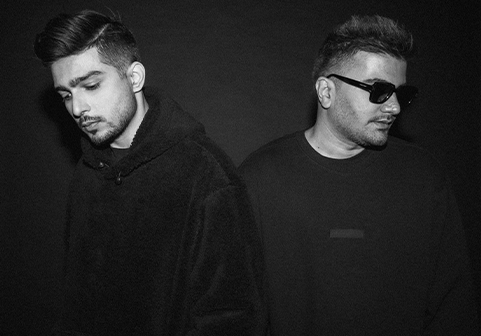
Lost stories are a name synonymous to Dance Music in India and South Asia. Ranked #52 on Dj mag 2016 and labelled the “Scene Starters” by DJ Mag, Rishab and Prayag began their journey in dance music in 2008 earlier producing Trance and Progressive House and garnering support from heavyweights like Tiesto, Armin van Buuren, BT, Markus Schulz etc. They then evolved their sound with their debut album – Music for the # Generation (Universal Music) in 2012 which was the no 3 Album on Top 100 Dance Albums iTunes Charts.
Ever since, they’ve had 3 #1 singles on iTunes and remixed the likes of One Republic, Afrojack, Alan Walker with releases on Universal Music, Interscope Records, Sony Music and Spinnin’ Records.
Lost Stories are the biggest Dance Music exports with Performances at Tomorrowland (2015-2019), Global Citizen Festival, Mysteryland, New Horizons Festival, Electric Daisy Carnival, Sunburn, VH1 Supersonic etc.
They’ve done extensive club and local festivals tours in India, UAE, China, Europe, Mexico and multiple South Asian countries.
Lost Stories Academy, an initiative by Lost Stories has been a pioneer in electronic music education since 2015. Lost Stories are India’s most renowned export from India to the world in the field of electronic music production. From representating India at world’s largest festival, Tomorrowland for five times to working with world renowned artists such as KSHMR, Marshmello, U2, One Republic, Alan Walker, etc. They have steadily raised India’s flag on world stages for over a decade.





Master the art of making music that sounds professional and consistent, get more benefits and an extended support program.
English, HindiUpcoming Batch - 1st Jun, 2026 - Mumbai
Live offline classes or “In the Studio” courses are in-person classes or group sessions conducted by our experienced faculty team at our academy in Mumbai. All offline live classes include Ableton Live Suite EDU license and other benefits. Complete details about the course modules and benefits are listed on the respective course pages.
Lost Stories Academy is located in Chembur, Mumbai where offline or “In the Studio” courses are conducted.
In the studio classes have a limit of 15 students per batch for practical lectures.
We offer 2 modes of payment. If you want to pay online in order to confirm your seat, a non-refundable advance payment of 100% is payable via secured online payment gateway on our website. If you want to pay via cheque/bank transfer to confirm your seat, a non-refundable advance payment of 1 st instalment or 50% of the course fee is payable through cheque/bank transfer. The student receives a confirmation email about the course enrolment as soon as we successfully receive the transfer. The student is then added to a whatsapp group where further details about the batch commencement is communicated. In case of cheque/bank transfer, the pending 50% fee or the remaining instalments are payable within 2 months of the course commencement. Complete details about the instalments is listed on the respective course pages.
In case of some students failing to clear the pending fees, their access to all the course benefits is revoked. Furthermore, they will not be allowed to attend the remaining sessions.
Students are requested to carry their laptop to take important notes during the sessions and a studio quality headphone to practise exercises related to music production. Students can take advantage of in-person feedback (unlimited) from our experienced faculty whenever they have new demos ready.
Students can avail EMI or Pay Later options on our online payment gateways (Razorpay or PayTM) as per the payment gateways’ Terms & Conditions or get in touch with our representative for offline partners. In case, if students wish to pay via cheque/bank transfer, we offer two to three instalments, depending on the course. A non-refundable advance payment of 50% or one instalment is payable via bank transfer in order to confirm the seat. The student receives a confirmation email about the course enrolment as soon as we successfully receive the transfer.
We do not offer demo sessions. We suggest students to get in touch with our offline and online course Alumni or go through testimonials on our website, talk to our representative in case of any doubts and to get an idea about the quality of education we provide, before enrolment.
In case you miss a session, you can go through our general recorded session videos which is made available to the students in the membership area on our website. We try to also accommodate you in the next batch for the topic you have missed, subject to seat availability in that batch.
In the studio sessions are conducted using the latest Ableton Live Suite version.
Students should have a laptop and a studio quality headphone in order to make the most out of this course. Knowing how to play an instrument also helps in understanding music theory better but it is not a pre-requisite as we teach music theory from scratch in the studio.
Although knowing how to play an instrument can really help to understand music theory and write better music composition, it is not mandatory or a pre-requisite to join our courses as we cover music theory in detail. Complete details about the eligibility criteria is listed on the respective course pages.
If you’re new to music, you can start with our offline two-months Ableton Live classes (Basics and Advance) and gradually move on to two-month sound design, music theory course or mix/master course. It is also possible to upgrade from one month course to 6 months course (Music Expert) or 12 months course (Music Prodigy) depending on what you want to learn.
We offer Ableton Live training basics and advanced (1 month each), song writing, music theory & sound design (2 months) and Advance Mixing and Mastering (2 months) as separate modules. Rest of the modules are offered under a specific course only.
The benefits included in the course for free cannot be traded in return for a discount or transferred to someone else.
Yes, all our courses are inclusive of 18% GST.
Yes. In order to claim GST input credit, please provide your GST number along with the invoice details to our representative at the time of enrolment.
Placements are not guaranteed. We try our best to connect our students with the industry professionals who could provide them with work based on the quality of work submitted to them and the opportunities present with them.
We offer continued support to all our students after they have successfully completed the course. We provide them with timely feedback on demos, any opportunities related to music production work, demo submissions, discounts on plugins, networking opportunities etc.
We provide a course completion certificate after the students have successfully completed the course.
We are a private institution, we are not affiliated with any other education body.